
Contact the Author
Please Sign In to contact this author.
15 DAYS MONEY BACK GUARANTEE
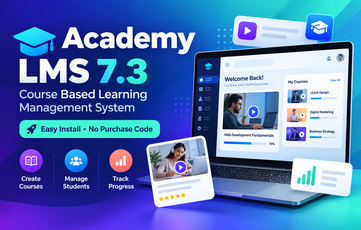
Academy LMS 7.3 – Course Based Learning Management System (Easy Install)
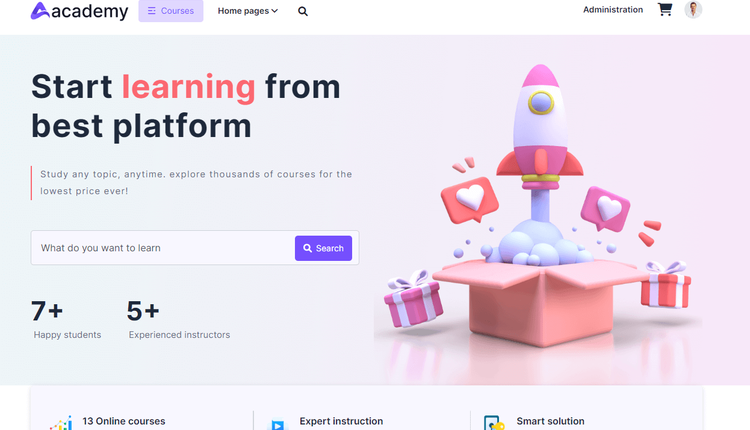
Academy LMS is a course-based learning management system built with CodeIgniter (PHP). Run an online course marketplace where admins and instructors create courses, and students enroll, buy and learn through video lessons, documents, quizzes and more. Version 7.3 ships with all updates already applied.
This is the easy-install build: no purchase code, no license key and no activation step. The built-in web installer creates your database tables and lets you choose the website name plus the admin email and password during setup.
Key Features
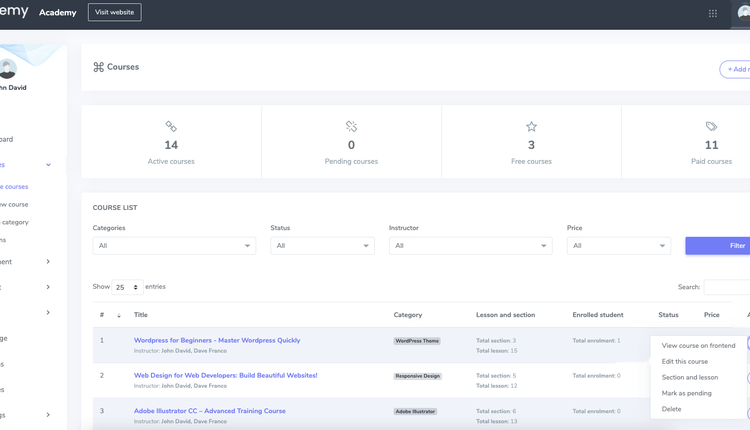
- Admin dashboard with course, lesson, enrolment and student summaries.
- Course management with categories and sub-categories, free or paid courses, discounts, SEO fields, FAQs, requirements and outcomes.
- Curriculum manager: sections, lessons and quizzes; drag/sort sections and lessons.
- Lesson types include YouTube, Vimeo, HTML5 / system video upload, audio, PDF and documents, text, images and embedded content (Google Drive and cloud providers where configured).
- Quizzes with multiple choice, single choice and fill-in-the-blank questions, attempts and results.
- Multiple instructors on one course; instructor applications, instructor settings and revenue payout handling.
- Manual course enrolment and enrolment history; coupons for checkout discounts.
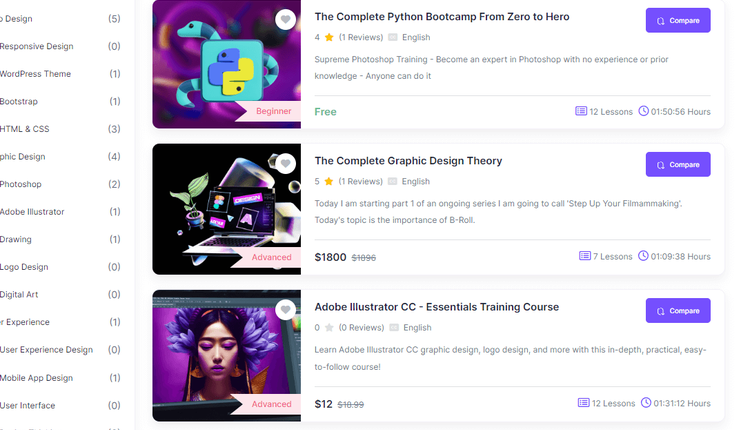
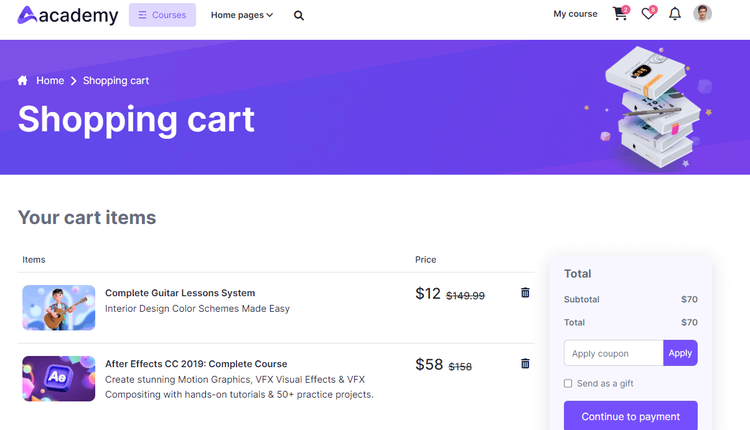
- Student storefront: course catalog with filters, course details, wishlist, shopping cart, gift purchase option, compare courses and my-courses progress.
- Drip content to unlock lessons gradually; video watermark options for content protection.
- Built-in messaging between users; blog with categories; newsletters and announcements.
- Multi-language support (import/edit phrases, RTL-capable themes available from the vendor).
- Payment settings for common gateways such as PayPal, Stripe, Razorpay and Paystack (plus others in payment settings); system currency and tax options.
- SMTP email settings, social login options, custom pages, notifications and a data center for backup/import.
- Addon and theme manager so you can install optional Creativeitem addons and frontend themes separately when you buy them.
- Responsive frontend with multiple home-page layouts from recent updates.
Note: Optional paid addons shown on the vendor site (for example Zoom or Jitsi live class, Bootcamp, Team Training, eBook, SCORM, OpenAI, Assignment, Course Analytics and similar) are sold separately and are not included in this package unless you already have them. Certificates typically require the certificate addon.
Requirements
- PHP 7.4 or newer (PHP 8.1, 8.2, 8.3 or 8.4 recommended)
- PHP extensions: mysqli, mbstring, curl, gd, openssl, json (recommended: zip, fileinfo, xml, intl)
- One empty MySQL or MariaDB database with a user and password
- Apache or LiteSpeed (shared hosting) or Nginx on a VPS
- The installer checks the server and reports anything that needs fixing
What's Included
- Full Academy LMS 7.3 application (CodeIgniter / PHP) with all updates through 7.3 already applied
- Built-in easy web installer (install.php) – no purchase code or license key
- INSTALL.txt step-by-step guide for shared hosting/cPanel and VPS
- Documentation PDFs (installation, admin, user, developer and related guides)
- Database SQL used by the installer
Installation Summary
- Create an empty MySQL/MariaDB database and user.
- Upload and extract academylms-7.3-easy-install.zip, then place the contents of the Academy-LMS folder in your web root (or a sub-folder). Keep the hidden htaccess file.
- Open your domain in a browser; the installer starts automatically.
- Confirm the server check is OK, enter database details, website name, and your admin email and password, then click Install now.
- Log in to the admin panel with the email and password you just chose, then finish setup under Settings (SMTP, payments, logos and so on).
Default Login
There is no fixed default login. You create the admin account (email and password) in the installer.
Important: this easy-install package does not ask for a purchase code or license key at any step.