Contact the Author
Please Sign In to contact this author.
15 DAYS MONEY BACK GUARANTEE
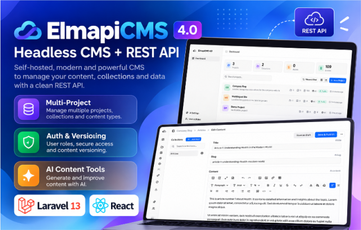
ElmapiCMS 4.0 – Self-Hosted Headless CMS for Building Content APIs
ElmapiCMS is a modern, self-hosted headless CMS that lets you design your content structure in a clean admin panel and instantly deliver it to any website, mobile app or frontend framework through a powerful REST API. Version 4.0 is built on Laravel 13, Inertia v2 + React 19 and Tailwind CSS 4, and adds frontend authentication, content versioning and more.
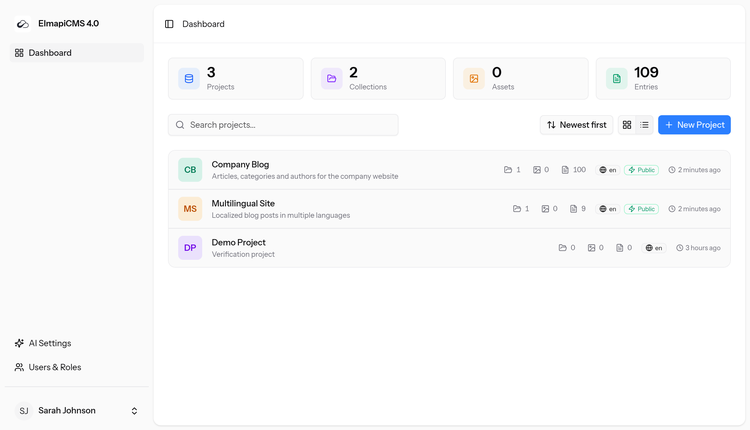
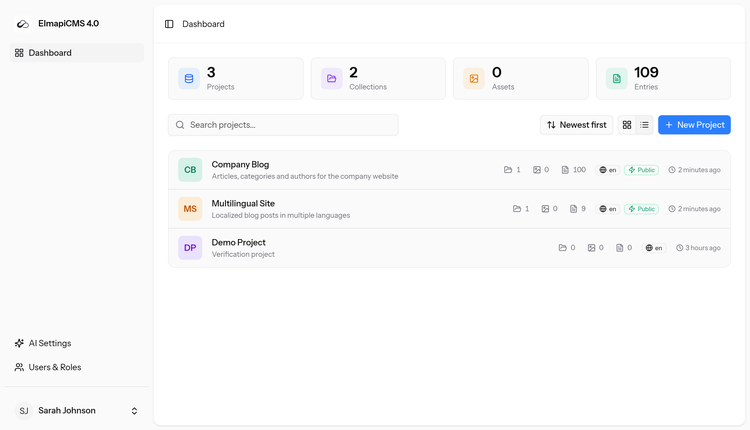
Run unlimited projects from a single installation, keep full control of your data on your own server, and give your team a fast, intuitive editing experience.
Key Features
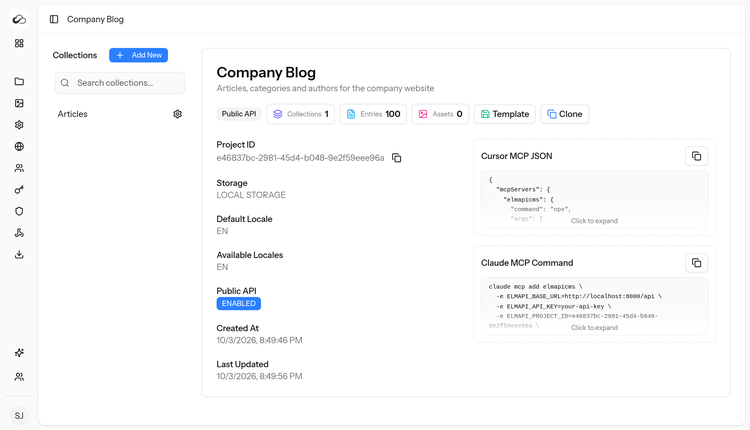
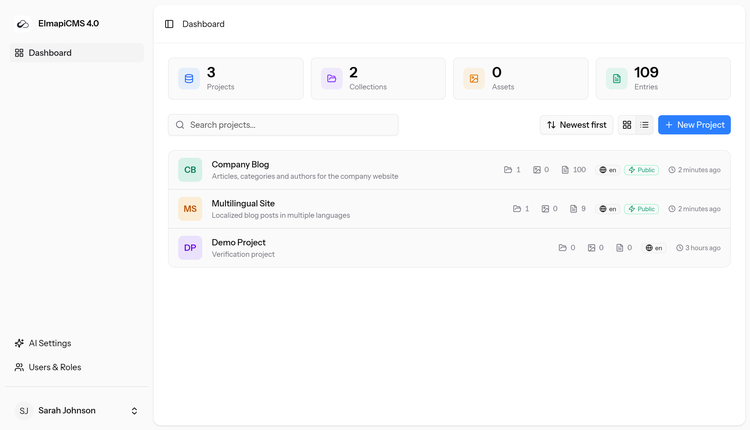
- Multi-project – manage many separate projects (each with its own collections, assets, locales and API settings) from one install.
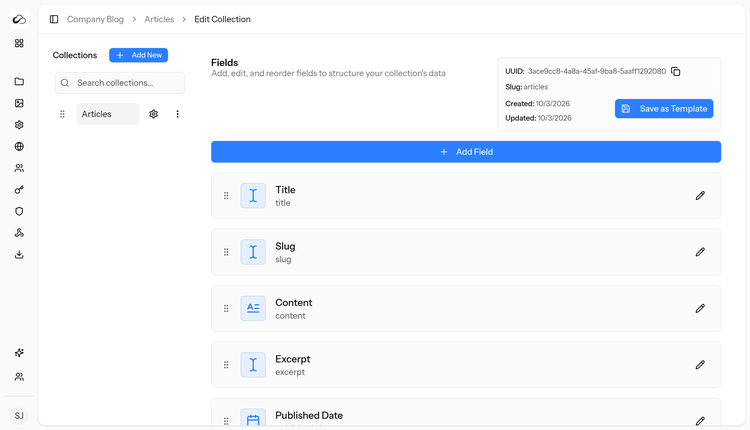
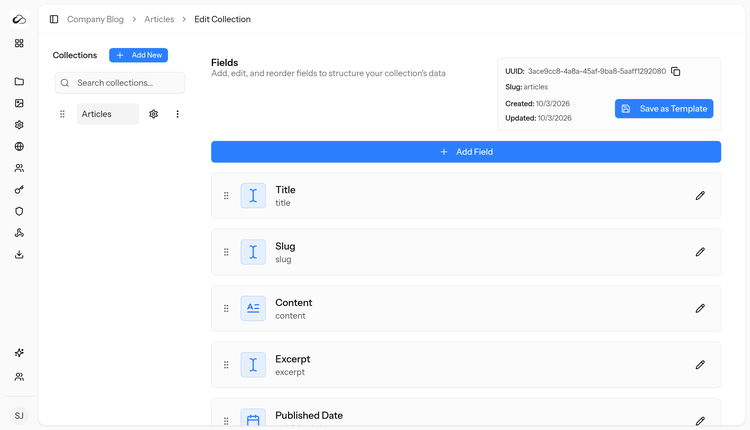
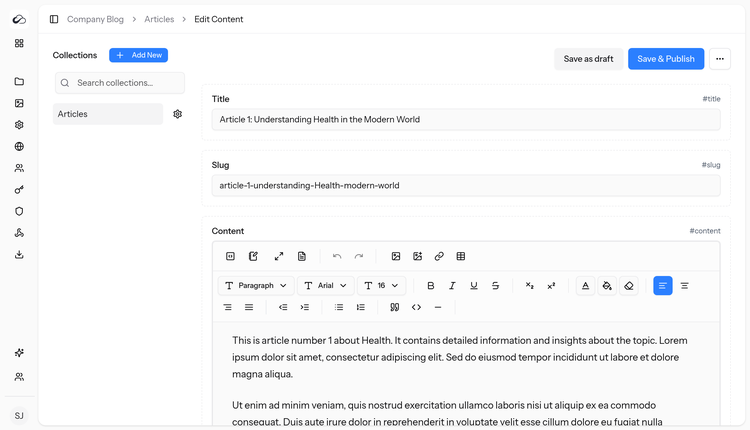
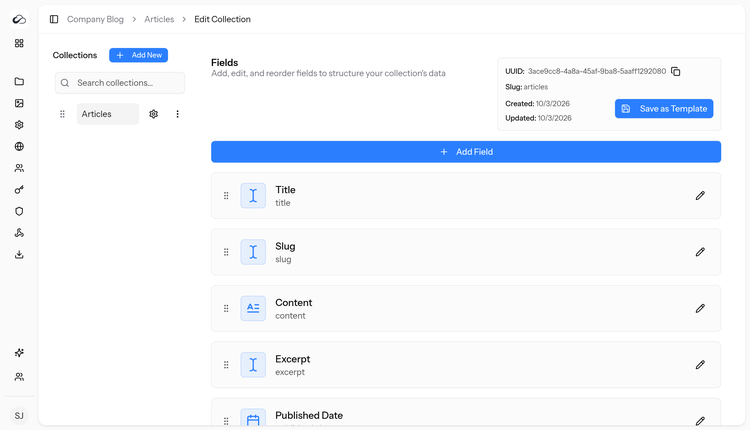
- Visual content modeling – create collections and drag-and-drop fields: text, long text, rich text, slug, number, boolean, date, time, email, password, color, enumeration, JSON, media and relations.
- REST API – endpoints for collections, entries, files and webhooks, with filtering, sorting and pagination, project API tokens (Laravel Sanctum) and an optional public read API.
- End-user authentication – signup, sign-in, token refresh, logout and optional email verification for your frontend users, with session, API-key, user suspension and audit-log management.
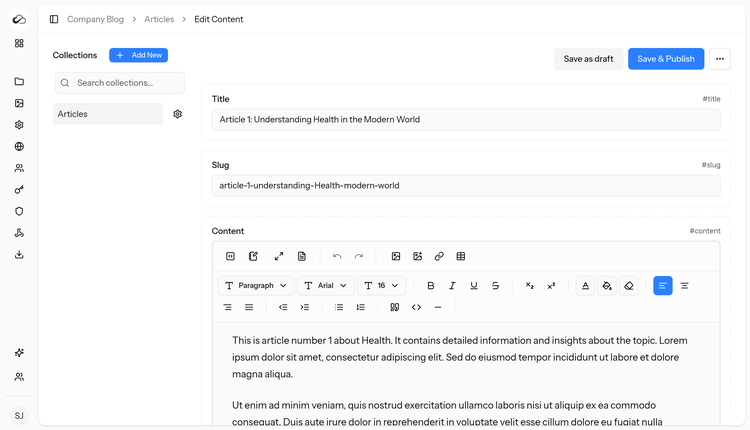
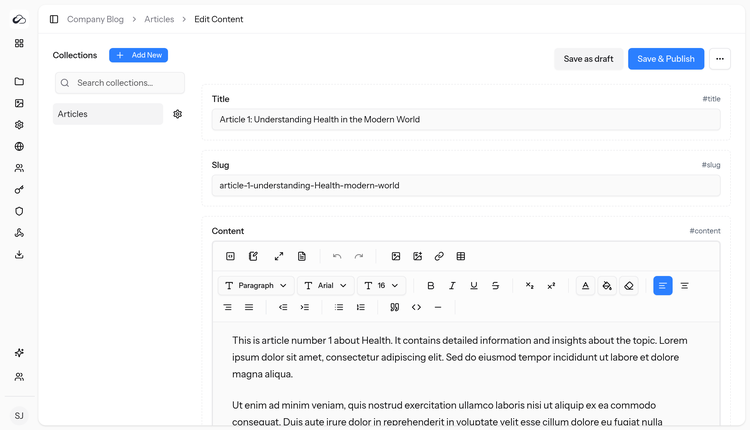
- Content versioning – draft and published states, immutable publish versions, draft saves on published entries and a version history for every entry.
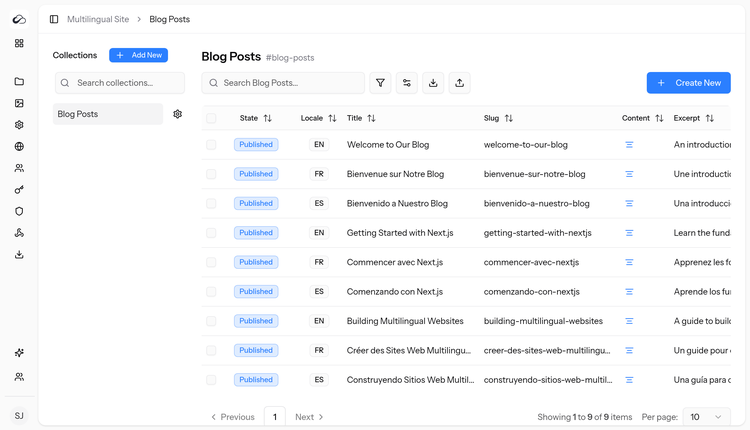
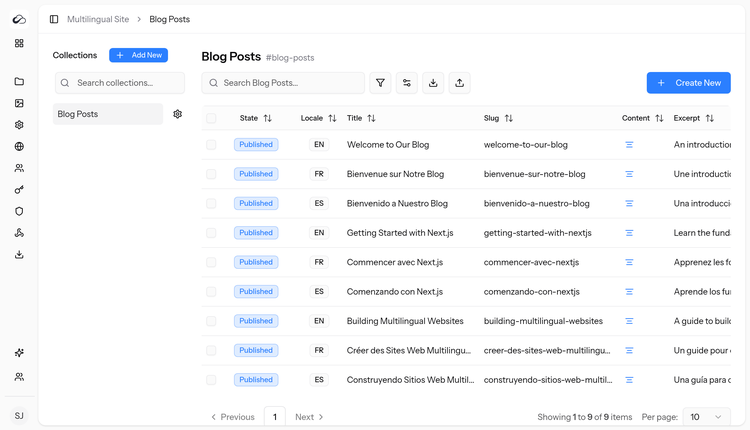
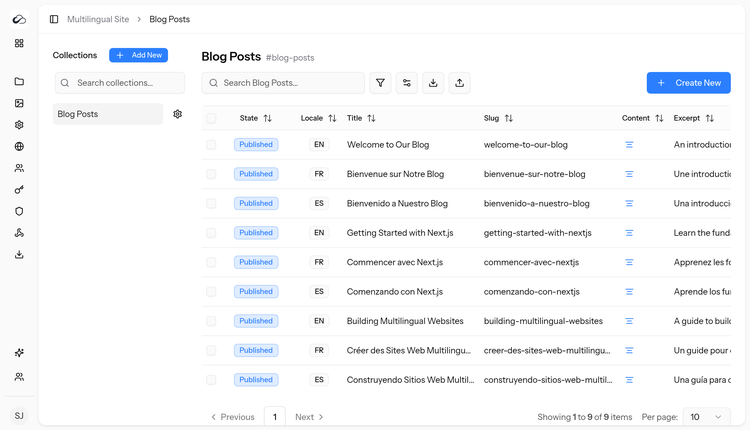
- Translations / localization – multilingual content at entry level with per-project locales.
- Built-in AI tools – write, rewrite and translate content in the editor using your own OpenAI, Anthropic or Gemini API key.
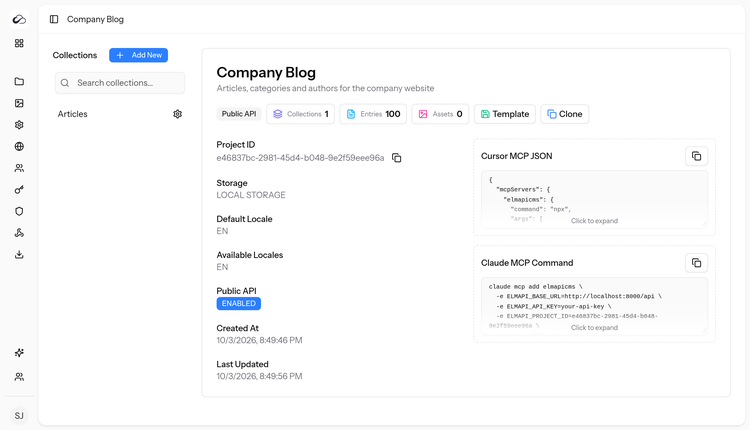
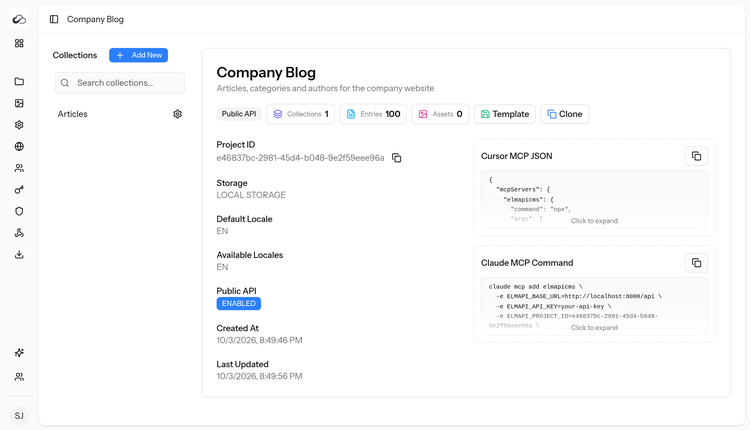
- MCP ready – ready-to-copy configuration for connecting AI editors such as Cursor and Claude Code through the official ElmapiCMS MCP server.
- Asset library – upload and manage images and files, with local or S3-compatible storage.
- Webhooks – notify external services on content changes, with delivery logs.
- Import / Export – move projects and collections between environments with portable packages, plus project and collection templates.
- Users, roles & permissions – role-based access control (spatie/laravel-permission) and per-project user access for content editors.
- Customizable admin – app settings, theme and appearance options (light/dark), and a modern, responsive React admin panel.
- Web installer – browser-based setup wizard (requirements check, database test, .env setup, migrations).
Requirements
- PHP 8.4 or newer
- PHP extensions: bcmath, ctype, curl, dom, fileinfo, filter, gd, intl, json, mbstring, openssl, pdo, pdo_mysql, session, tokenizer, xml, zip
- MySQL 8+ or MariaDB 10.6+
- Apache (with mod_rewrite) or Nginx
- Writable storage/ and bootstrap/cache/ folders
- Optional: cron or supervisor for queued jobs (webhooks)
What’s Included
- Full ElmapiCMS 4.0 source code (Laravel + React)
- vendor/ folder with all PHP dependencies – no Composer needed
- Pre-built admin frontend (public/build) – no npm/Node needed
- Ready SQL database dump (database/elmapicms.sql)
- The vendor’s original web installer package (elmapicmsInstaller.zip)
- Step-by-step INSTALL.txt guide for shared hosting/cPanel and VPS
Installation Summary
- Upload and extract elmapicms-4.0-ready.zip, then point your domain’s document root to the elmapicms/public folder.
- Create a MySQL/MariaDB database and user.
- Import database/elmapicms.sql with phpMyAdmin, or run php artisan migrate --seed --force.
- Copy .env.example to .env and set APP_URL and your database details.
- Generate the application key (php artisan key:generate) and run php artisan storage:link.
- Open your domain and log in.
Prefer a wizard? Use the included web installer instead – it checks requirements, writes .env, runs migrations and creates your own admin account.
Default Admin Login
Email: admin@admin.com
Password: password
Important: change this password immediately after your first login.